Physical Address
304 North Cardinal St.
Dorchester Center, MA 02124
Physical Address
304 North Cardinal St.
Dorchester Center, MA 02124

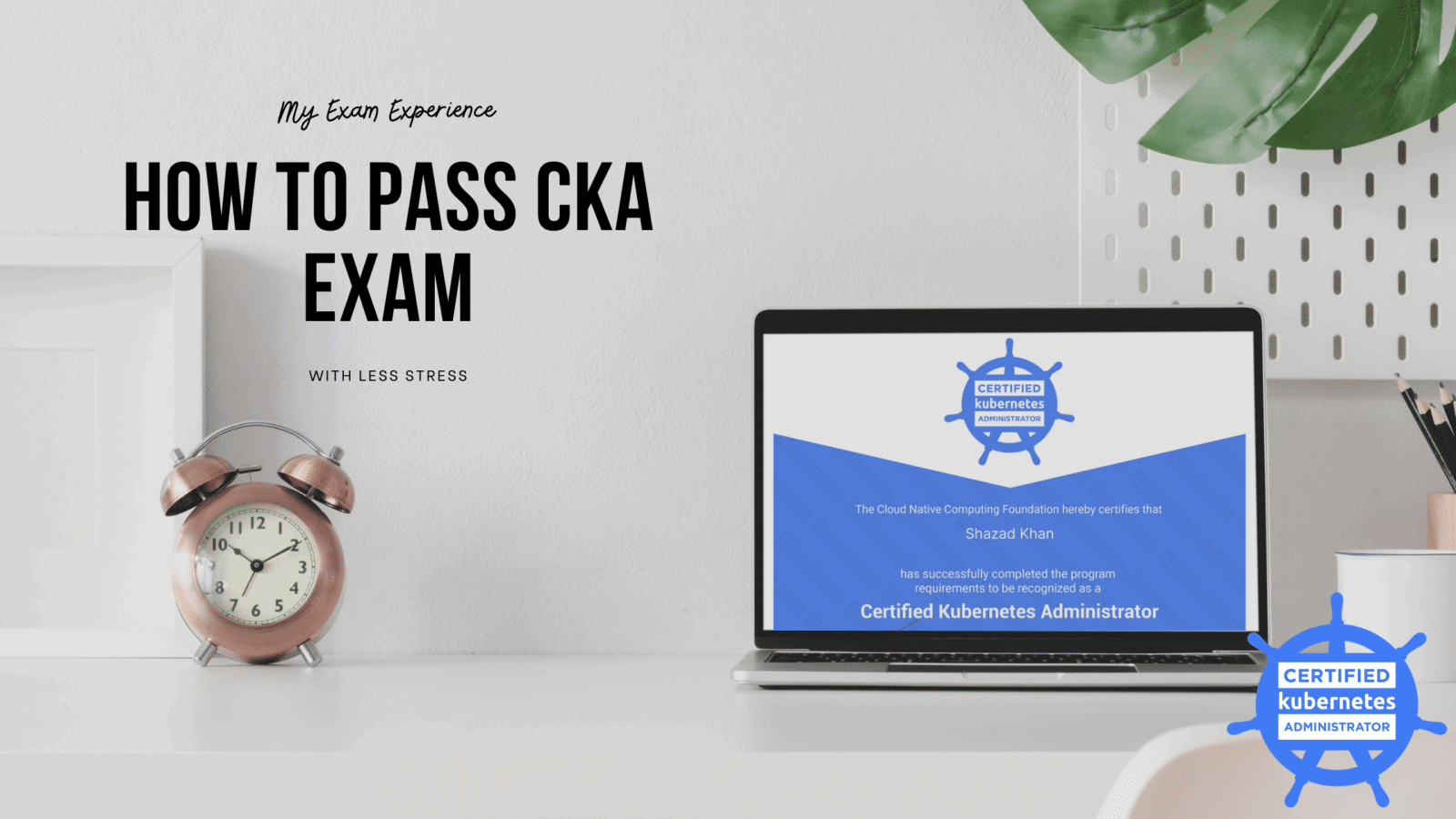
I passed the Certified Kubernetes Administrator – CKA exam. During the preparation of this exam, I went through many blogs, and official and unofficial documents, watched online trainings, deployed and played with the Kubernetes cluster in my Home lab, and did some online practice labs as well. Some of those were really useful for the CKA exam, some for a deep understanding of Kubernetes, but there was some trash as well. I am writing this blog to share my experience with useful notes that may give you a better picture of the CKA exam and help to avoid common mistakes and pass the CKA exam.
A Certified Kubernetes Administrator should be able to design the Kubernetes cluster as per the project requirement. He/She can also deploy, configure and manage the cluster as per the planned design. A deep understanding of key concepts such as Kubernetes networking, storage, security, maintenance, upgrade, logging and monitoring, application lifecycle, troubleshooting, and API object primitives is also expected.

CKA is a 100% hands-on exam with 15-17 practical questions you need to solve from a command line. Each question has a different weightage (see the topic-wise weightage details below). You need to achieve at least a 66% score to pass the exam.
| Domain | Weight |
| Cluster Architecture, Installation & Configuration | 25% |
| Workloads & Scheduling | 15% |
| Services & Networking | 20% |
| Storage | 10% |
| Troubleshooting | 30% |
First, ask yourself if you can spare at least 2 month’s time of dedicated study for this exam. If yes, then you need to understand the key concept of Kubernetes and build competency in hands-on deployment and troubleshooting of the Kubernetes cluster. But before that, you must know some basic of Linux, Docker, Networking, and YAML.
Here are something you must study before the exam:
The CKA exam environment consists of into six Kubernetes clusters, each of which contains a different number of containers:
| CKA Clusters | |||
| Cluster | Members | CNI | Description |
| k8s | 1 master, 2 worker | flannel | k8s cluster |
| hk8s | 1 master, 2 worker | calico | k8s cluster |
| bk8s | 1 master, 1 worker | flannel | k8s cluster |
| wk8s | 1 master, 2 worker | flannel | k8s cluster |
| ek8s | 1 master, 2 worker | flannel | k8s cluster |
| ik8s | 1 master, 1 base node | loopback | k8s cluster |
To practice for the CKA exam, you can create the same size of Kubernetes cluster in your lab on:
If you don’t want to setup a lab or you don’t have a lab to setup the Kubernetes cluster, you can use readymade labs as well:
Log in and start 15 min earlier than the scheduled time so that the Protector can complete the prerequisite checks (like ID verification) and start the exam on time. You can use multiple monitors, actually two (one for the CKA exam window and the other to open the kubernetes.io documents page).
You can speed up and save your time by applying BASH auto completion and creating some aliases before starting work on exam questions:
Kubectl autocomplete
(No need to remember, it’s available on the official kubectl Cheat Sheet page, which is allowed to open in the exam)
source <(kubectl completion bash) # setup autocomplete in bash into the current shell, bash-completion package should be installed first.
echo "source <(kubectl completion bash)" >> ~/.bashrc # add autocomplete permanently to your bash shell.
You can also use a shorthand alias for kubectl that also works with completion:
alias k=kubectl
complete -F __start_kubectl k
Aliases: (learn to create Aliases)
alias k='kubectl'
alias kgp='kubectl get pods'
alias kgn='kubectl get nods'
alias kgd='kubectl get deployment'
alias kdp=’kubectl describe pod’
alias kdd=’kubectl describe deployment’
alias kgs='kubectl get svc'
alias kds='kubectl describe svc'
After the examination, do some rest and control your excitement because the result will take 24-36 hours to arrive in your email inbox. At this time, you may have a good idea of whether you will pass or fail based on your performance in the exam. Hopefully, with the proper preparation, you will crack the CKA exam, but still, if you can’t make it for the first attempt, the good thing is Linux Foundation gives you a free retake.
CKA is really a tough exam, but with a proper strategy, consistent study, and practice, you can pass it. It might take some of your family’s time, but as a reward, it makes you feel very confident about this cutting-edge technology.
Thanks!!
Check out some more blogs:
Finally, If you like my blog, Please Share…
certified kubernetes administrator exam cost India, cka network policy question, kubernetes certification, cloud native computing foundation, kubernetes administrators, certified kubernetes administrator exam, acing the certified kubernetes administrator exam, certified kubernetes administrator exam dumps, certified kubernetes administrator certification, kubernetes journey, kubernetes cluster authenticate users, existing kubernetes cluster acing, cka practice test, kubernetes mock test, cluster and node logging, certified kubernetes security specialist, certified kubernetes application developer, actual exam, kubectl explain, basic cluster, exam objectives, cka exam dumps 2023, cka exam dumps github, cka exam topics, cka sample questions, kubernetes certification difficulty, linux foundation cka exam, linux foundation cka dumps, cka exam dumps, cka exam questions, cka certification exam