Physical Address
304 North Cardinal St.
Dorchester Center, MA 02124
Physical Address
304 North Cardinal St.
Dorchester Center, MA 02124

Content Type Tags
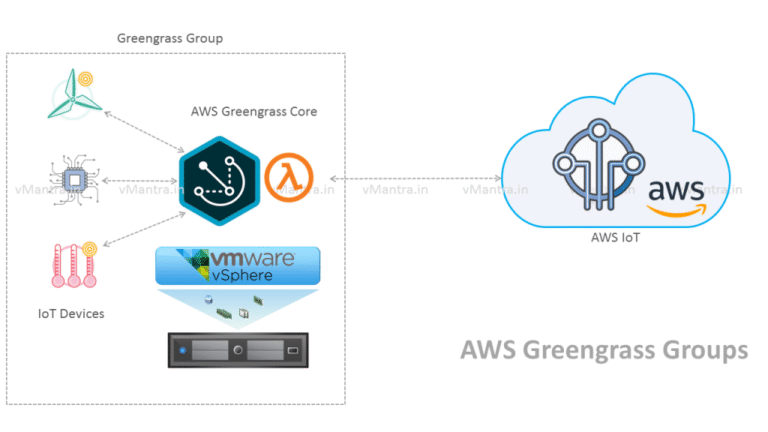
AWS Greengrass Core on VMware vSphere (Part 2): In my previous blog, I created AWS Greengrass Core Virtual Machine on VMware vSphere. Furthermore, let’s see how to integrate it with AWS IoT services. To configure AWS Greengrass Core instances, first…
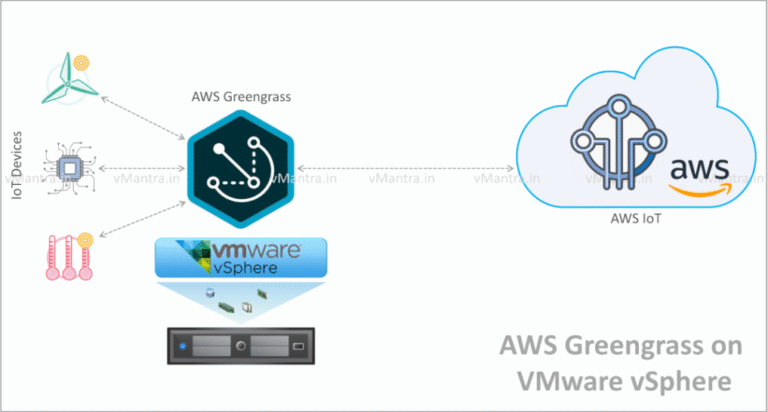
AWS Greengrass on VMware vSphere: VMware has recently launched AWS Greengrass on VMware vSphere appliance in a preview 0.5 and entered in Edge Computing market. But what AWS Greengrass is? So First thing first, AWS Greengrass is a software from…
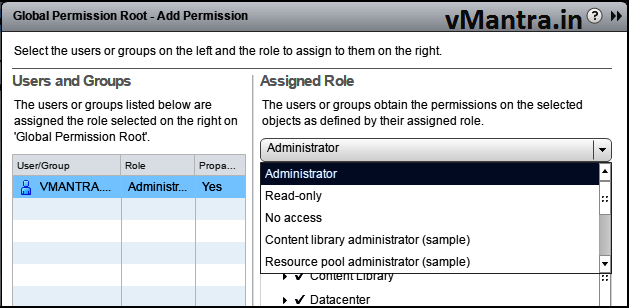
vCenter Server 6.0 – Adding Users and Assigning Global Permissions: vCenter Global permissions provide the privileges to a user or group to view or/and manage all objects in each of the inventory hierarchies in the deployment. Generally we apply the Global…
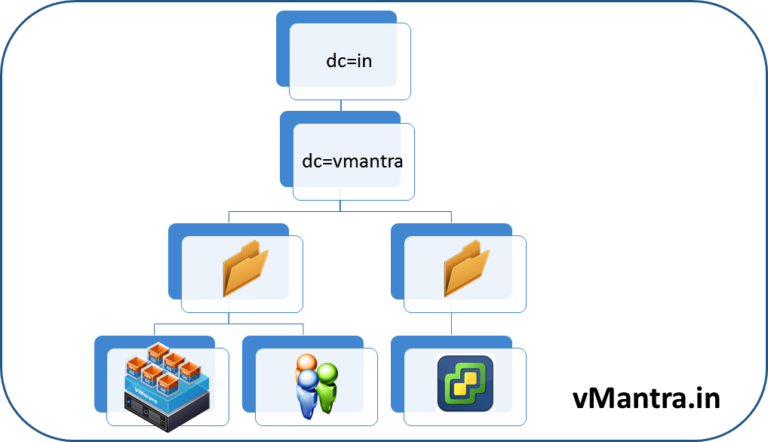
Configure vCenter Server 6.0 – LDAP Active Directory integration: VMware gives the option to add Active Directory as an LDAP Server Identity source in vCenter Server. But before going to the LDAP Active Directory integration configuration part let’s go through some very basics…
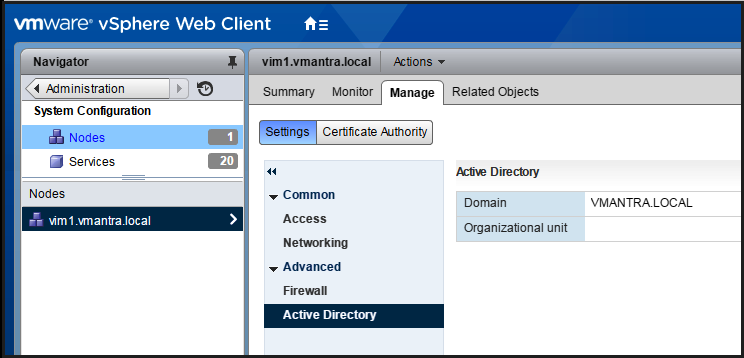
How to Join Active Directory Domain: After installing vCenter Server Appliance 6.0 lets start with some basic configuration of vCenter Server. In the first place, We should start with Join Active Directory Domain with vCenter Server. To do so please follow…
Installing vCenter Server Appliance 6.0 (VCSA 6.0) : VMware provides two variants of vCenter Server including Windows based vCenter Server and Linux SUSE Enterprise Server 64-bit based appliance (VCSA 6.0). In this article we will cover the system requirements and step by…
VMware ESXi 6: VMware ESXi is the Bare Metal (type 1) hypervisor from VMware. It means it does not require any Operating System layer between bare metal hardware since it can be installed directly on the hardware. To install VMware ESXi…

Install Windows Server 2016 VM on VMware Workstation : In the previous post I have described the step by step procedure of Creating Windows Server 2016 VM. so now its turn to install Windows server 2016 on VM. First of…
Windows Server 2016: Recently Microsoft has released Technical Preview 5 of its Windows NT family based operating system Windows Server 2016. It contains lot of new features like Nano Server, Windows Containers, Storage Space Direct, Storage Replica and Hyper-V updates. In…
Virtual Networking in VMware Workstation: VMware Workstation provides several ways to configure the virtual machine (VM) for virtual networking. Just after installation of VMware Workstation you will find three virtual networks pre-configured by default: Bridged = VMnet0NAT = VMnet8Host-only = VMnet1…