Physical Address
304 North Cardinal St.
Dorchester Center, MA 02124
Physical Address
304 North Cardinal St.
Dorchester Center, MA 02124

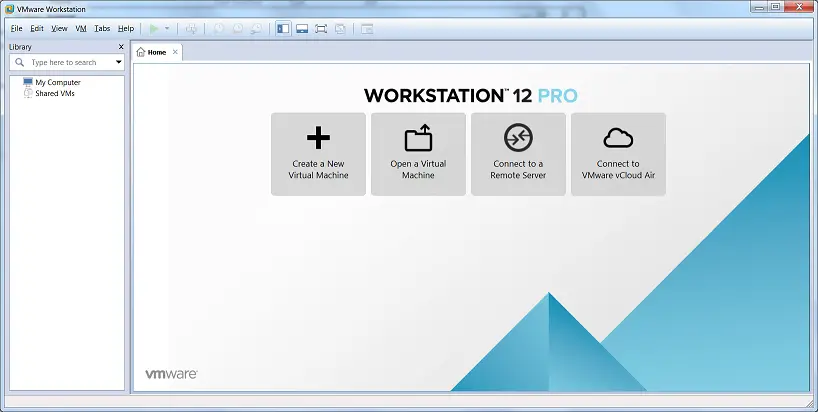
VMware Workstation is a Type 2 hypervisor by VMware. It provides a platform to create multiple virtual machines on your local Windows or Linux PC.
The PC/Laptop on which you install Workstation Pro is called the host system and its operating system is called the host operating system. To run Workstation Pro below are the pre-requisites:
You can download the VMware Workstation 12 Pro from the below Vmware link:
Download Vmware Workstation 12 Pro


2. Click “Next” button and accept “EULA”

3. Click “Next” and on “Custom Setup” you can select “Enhanced Keyboard Driver” to handling international keyboards or to have extra keys(In my case I have skipped this) and click “Next”

4. Click “Next” “Next” on “User Experience Setting” and “Shortcut” windows and now you are at “Ready to install VMware Workstation Pro” window

5. Click “Install” and it will begin installation

6. Next screen will be ” Completed the VMware Workstation Pro Setup Wizard”, Click on “License” button

7. Enter the License details in XXXXX-XXXXX-XXXXX-XXXXX-XXXXX format and click on “Enter” button

8. Click Finish on the next screen and now the VMware Workstation installation is completed,

Enjoy your journey with Virtualization !! 🙂
Check out some more blogs: